I was in a Phantom Forces ranked lobby last Saturday, a Metro server packed to 32 players, and I watched a clip afterward where my crosshair visibly snapped to a head during a 180-degree spin that felt impossibly smooth in the moment. That feel, that crispness when you whip the mouse, is almost entirely about input latency and frame rate working together. If you play competitive Roblox shooters and you’re still on the default 60 FPS cap, you’re leaving real performance on the table.
I’m Alex Park. I run a Ryzen 5 5600 and RTX 3060 on a 144Hz 1440p monitor, and I play way more Phantom Forces than is probably healthy. I’m going to walk through why FPS unlocking matters for shooters specifically, even if your monitor is 60Hz, and which tool to pick for competitive play.
The “my monitor is 60Hz, why bother” mistake
I hear this constantly. “I’ve got a 60Hz monitor, extra frames are wasted.” It sounds logical. It’s also wrong, and here’s why.
Input latency isn’t just about what you see on screen. When you move your mouse, the input is sampled at a rate related to your FPS. Higher FPS means fresher game state when your click registers. Even if your 60Hz monitor can only display 60 frames, the frame that does display will be based on more recent input data if the game’s running at 240 internally.
This is a well-documented phenomenon in FPS gaming generally. The “feels” argument isn’t folklore. Counter-Strike pros have been running uncapped FPS on 60Hz setups for decades for exactly this reason.
Roblox servers tick at a lower rate than you think
Roblox’s server authoritative tick isn’t 240Hz. It’s lower. The client interpolates between server updates, which means the smoothness you feel between updates is a function of your local rendering rate. More local FPS makes the interpolation appear smoother even if the server’s not sending data any faster.
That’s why in Phantom Forces specifically, where snap-aim and tracking matter, players with higher FPS have a real perceptual edge. You’re not seeing extra server data. You’re seeing the data you do get, rendered more times, at more intermediate positions.
The shooters that actually benefit most
Not every “shooter” is equally sensitive. Here’s my rough hierarchy from playing all of these regularly:
- Phantom Forces: Huge benefit. Long sightlines, recoil control, headshot windows. FPS matters.
- Arsenal: Big benefit for melee and shotgun tracking. Tight maps make frame rate feel extra responsive.
- Frontlines: Moderate to high benefit. Larger maps, but shooting mechanics reward high FPS.
- Big Paintball: Noticeable benefit, less critical than PF.
- Polyguns: Similar to PF but smaller community. High FPS helps.
- Bad Business: Moderate. TTK is forgiving enough that raw responsiveness matters less.
I’d say anything with precise hitscan weapons and longer TTK (Phantom Forces, Polyguns) rewards high FPS more than spray-and-pray games. The more your aim precision matters per frame, the more frames help.
rbxfpsunlocker vs Bloxstrap for competitive play
This is where I have opinions. Both tools unlock FPS. The difference is what else they do.
rbxfpsunlocker: Precision. You set a target FPS, it holds to that target, it does nothing else. No overlays. No launcher. It runs as a tiny system tray app. For competitive play where you want minimum background interference, it’s my pick. My full setup guide for it is at the rbxfpsunlocker guide.
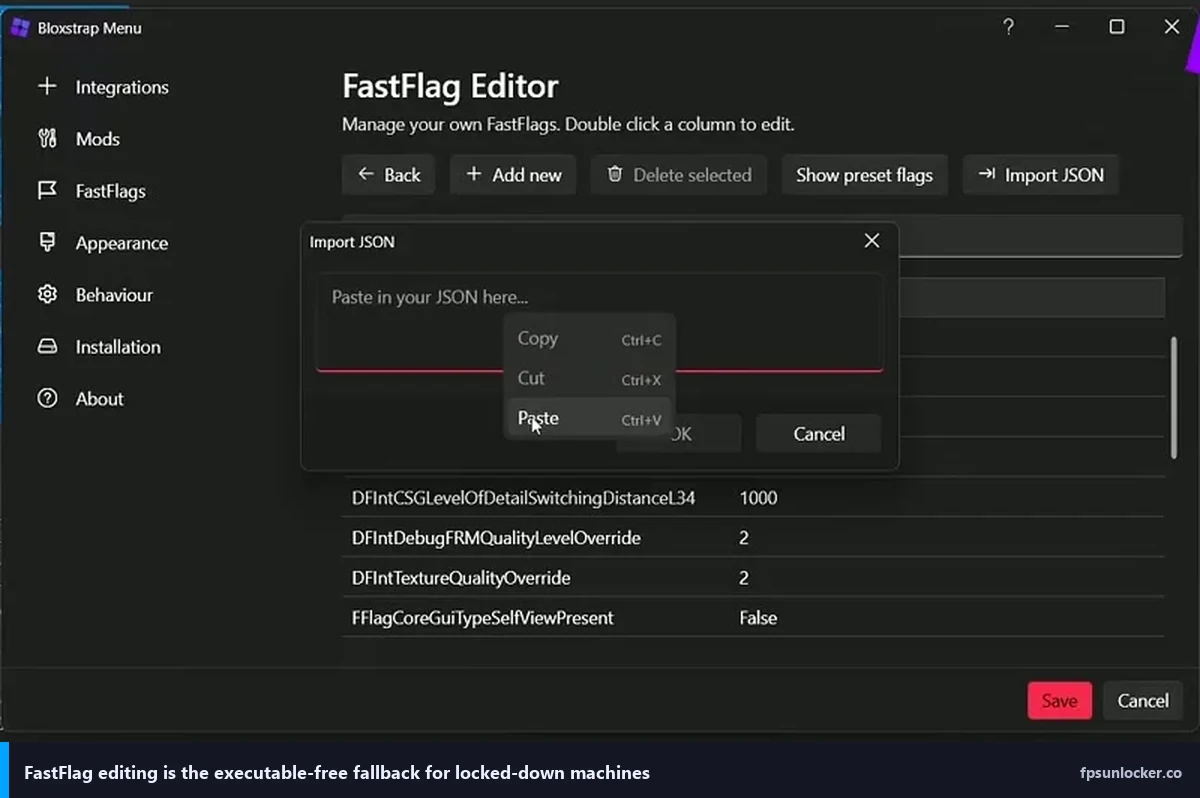
Bloxstrap: More features. It replaces the Roblox launcher, adds FastFlag management, and can match VSync to your monitor refresh rate automatically. That VSync-matching is actually useful for players on G-Sync monitors because it handles the cap-just-below-refresh math for you.
For Phantom Forces specifically, I run rbxfpsunlocker. I don’t need the FastFlags Bloxstrap exposes, and I want the launch path to be as minimal as possible. For my younger brother who plays Arsenal and doesn’t want to think about settings, I installed Bloxstrap because its defaults are more hands-off.
[IMAGE: Phantom Forces in-game screenshot with FPS counter showing 144 in the top corner and the Metro map visible]
Will unlocking FPS give me a real competitive edge?
Honest answer: a small one. Aim is mostly skill. Map knowledge is huge. Team coordination matters more than frames. But at the margin, higher FPS does reduce input latency, does tighten your perception, and does make tracking targets feel crisper. If you’re already winning gunfights, extra FPS lets you win them slightly more consistently. If you’re losing them because of aim fundamentals, no unlocker fixes that.
I’d call it a 1-3% edge. That’s not nothing in ranked play, but it’s not magic either.
What FPS target should you actually set?
This depends on your hardware and monitor. My rules:
- 60Hz monitor, any GPU: Cap at 144 or 240. You get input latency benefits without wasting power on 500 FPS you’ll never see.
- 144Hz monitor, mid GPU: Cap at 141 (below refresh for smoothness). My setup.
- 240Hz monitor, high-end GPU: Cap at 237.
- High-end hardware + G-Sync monitor: Cap a few FPS below refresh for best frame pacing.
Don’t uncap completely in competitive play. Uncapped FPS causes thermal variability, which causes frame pacing chaos, which makes tracking feel worse. Pin a number and stick to it.
The settings that compound with FPS unlocking
Unlocking FPS is step one. For competitive shooters, these settings multiply the benefit:
- NVIDIA Low Latency Mode: Ultra (or AMD Anti-Lag). Reduces input latency further.
- In-game graphics at 7 or 8, not maxed. The lighting at 10 costs more than it looks.
- Mouse polling rate at 1000Hz.
- Full-screen mode, not borderless windowed (Roblox’s full-screen is lighter).
- Mouse sensitivity dialed in so you can 180 without adjusting grip.
I had a Discord conversation with a friend last month who’d just installed rbxfpsunlocker and was disappointed his aim “didn’t feel different.” Turned out his mouse was on 500Hz polling and his in-game graphics were maxed. After adjusting both, the difference was night and day.
A note on servers and ping
No amount of local FPS can overcome a 180ms ping. Roblox does regional matchmaking but sometimes puts you on far-away servers, especially in off-peak hours. Check your ping when you load in. If it’s above 80ms, leave and rejoin for a closer server.
For US players, decent ping is under 60ms. Anything 60-100 is playable. Above that, your input feel suffers regardless of FPS.
Is using an unlocker allowed in competitive Roblox games?
Yes. FPS unlockers don’t modify game memory, don’t inject code, and don’t give you anything beyond what a higher-tier PC would naturally provide. Roblox has never banned for using them. I wrote a longer piece on this at is FPS unlocker bannable. The short version: it’s been safe for years, and competitive players at all levels use these tools openly.
The games themselves (Phantom Forces, Arsenal) don’t have anything against FPS unlocking in their rules. Cheats, aimbots, and wallhacks get you banned. Unlocking your frame rate does not.
Phantom Forces specifically: what my setup looks like
For full transparency, here’s the exact config I run:
- rbxfpsunlocker at 141 FPS cap
- Roblox in-game graphics at 7
- NVIDIA Control Panel: Low Latency Ultra, Power Management Prefer Maximum Performance
- G-Sync enabled on my 144Hz monitor
- Full-screen mode in Roblox
- Discord overlay OFF for Roblox
- Chrome closed during ranked sessions
My 1% lows in Metro with 32 players stay stable with this setup. That’s the key number, not peak FPS. I want a floor that holds during firefights, not a peak I’ll never actually experience when someone’s shooting at me.
What Bloxstrap’s VSync-matching does
Worth a brief explanation because I recommended it above. VSync traditionally caps FPS at your monitor’s refresh rate but adds input latency because it waits for the display. Bloxstrap’s “mode” setting lets you enable a lighter VSync variant that matches refresh without the full latency cost. On a 60Hz panel without G-Sync this is useful, because you get tearing-free output at 60 FPS with less input lag than standard VSync.
On a high-refresh panel with G-Sync, don’t bother. G-Sync handles this natively and better.
My final take for shooters
If you play Phantom Forces, Arsenal, Frontlines, or any competitive Roblox shooter, install rbxfpsunlocker. Today. Don’t overthink it. Set a cap that matches your monitor, or a sensible multiple of your refresh rate if you’re on 60Hz. Combine it with Low Latency Mode: Ultra. Close Discord’s overlay during ranked play.
You’ll feel the difference in a week. Not every shot, not every play. But in fights where you rotate quickly or track a moving target, the crispness is real. I’ve been playing with this setup for two years now and switching back to a capped 60 feels terrible.
Small edge, but it’s an edge you get to keep every session. Worth the 90 seconds it takes to install.
Alex Park, April 2026. Ryzen 5 5600, RTX 3060, 144Hz 1440p.